Photo Copyright in the US: How Watermarks Help You Protect Your Work
If you are a photographer, designer or content creator in the United States, your photos are protected by copyright from the moment you take them. But "protected" can mean very different things in practice. This guide explains, in plain English, how US copyright works for images and where a watermark fits in.
This article is general information about US law, not legal advice. For a specific case, talk to a copyright attorney.
You own the copyright automatically
Under US law, copyright exists as soon as a creative work is "fixed in a tangible medium." For a photo, that means the moment the image is saved to your camera's memory card or your phone. You don't need to file anything, add a © symbol or publish the photo first.
As the copyright owner, you control who can copy, distribute, display and make derivative versions of your image. If someone uses your photo on their website, in an ad or on a product without permission, they are most likely infringing your copyright.
Why registration still matters
Automatic copyright is real, but enforcing it in the US is much easier if you register your work with the U.S. Copyright Office:
- You generally need a registration before you can sue for infringement of a US work in federal court.
- Statutory damages and attorney's fees are only available if the photo was registered before the infringement began, or within three months of first publication. Statutory damages range from $750 to $30,000 per work, and up to $150,000 if the infringement was willful.
- Without timely registration, you are usually limited to "actual damages," which for a single photo is often just a typical license fee. That makes many cases not worth pursuing.
The Copyright Office offers a group registration option for photographs that lets you register many images in one application, which keeps costs down for working photographers. Check copyright.gov for current fees and limits.
Do you need the © symbol?
No. A copyright notice has not been required in the US since 1989. But it is still useful. A visible notice such as "© 2026 Jane Smith Photography" tells everyone the image is not free to use, and it makes it hard for an infringer to claim they didn't know the work was protected. A watermark is the easiest way to put that notice on every image.
How watermarks connect to the DMCA
This is the part many photographers don't know. Section 1202 of the Digital Millennium Copyright Act (DMCA) protects "copyright management information" (CMI). CMI includes things like the author's name, the copyright owner's name, the title of the work and the terms of use.
When your watermark contains your name or a copyright notice, it can count as CMI. Knowingly removing or altering it to hide or enable infringement is a separate violation, with statutory damages of $2,500 to $25,000 per violation, on top of any copyright claim.
In other words, a watermark does more than discourage copying. If someone crops it off or edits it out and then uses your photo, that removal can strengthen your legal position.
What to put in your watermark
- Your name or business name (this is what makes it CMI).
- The © symbol and year, for example "© 2026 Jane Smith".
- Optionally your website, so people who like the image can find you and license it.
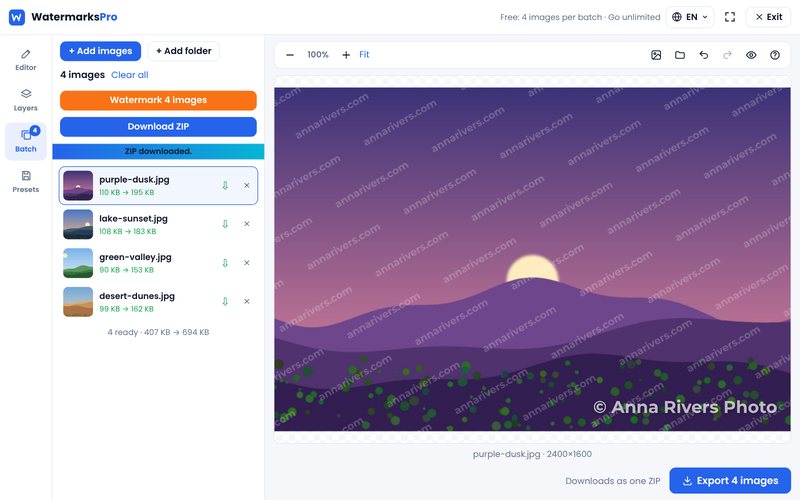
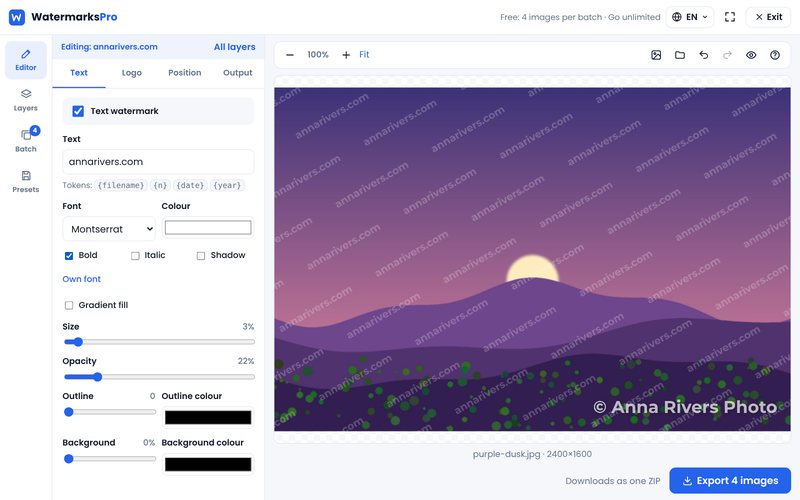
In Watermarks Pro you can use the {year} token in your text, so the year updates automatically, and save the whole layout as a template.
Also add your details to the metadata
Most cameras and editing programs let you store your name and copyright notice in the photo's EXIF and IPTC metadata. This is another form of CMI. Some websites strip metadata on upload, so don't rely on it alone, but it costs nothing to add.
A simple protection routine
- Add your name and copyright to your camera's metadata settings.
- Register your best or most commercial images with the Copyright Office, ideally within three months of publishing.
- Watermark everything you post publicly with your name and ©.
- Keep your original, full-resolution files with their dates.
- Check now and then with a reverse image search to see where your photos appear.
Step 3 takes seconds with our free bulk watermark tool. Your photos are processed in your browser and never uploaded to our server.