Watermarking Real Estate Photos: A Guide for US Agents and Photographers
Professional listing photos sell homes. They also get copied a lot: by other agents, by aggregator sites and, increasingly, by rental scammers who repost a home "for rent" with stolen photos to collect fake deposits. Watermarking helps, but in real estate there are a few rules you need to know first.
Check your MLS rules first
Many Multiple Listing Services in the US restrict or prohibit watermarks, logos, agent names, phone numbers and other branding on listing photos submitted to the MLS. The goal is to keep listings neutral when they are syndicated to other brokers' websites and portals. Rules vary from one MLS to another and change over time, so read your local MLS rules or ask your broker before you upload watermarked images.
If your MLS doesn't allow watermarks, keep a clean set for the MLS and use a watermarked set everywhere else.
Where watermarks make sense
- Your own website and property landing pages.
- Social media: Instagram, Facebook, TikTok and YouTube posts about the listing.
- Print and email marketing that may be scanned or forwarded.
- Photographer portfolios showing past shoots.
- Rental listings on sites where scammers often copy photos.
Who owns the photos?
This surprises many agents: in the US, the photographer usually owns the copyright to listing photos unless there is a written agreement that transfers it. The agent typically receives a license to use the images for marketing that listing. That license may not cover every use, or the next agent who lists the same home.
For photographers, a small watermark with your name or studio on portfolio and social images makes it clear who created the work. For agents, using your brokerage's logo is a good way to show who represents the property. Talk to your photographer about what is allowed under your agreement.
How to fight rental scams
Rental scammers love listing photos because they look professional and the home really exists. A watermark doesn't make copying impossible, but it helps:
- Add a line like "For sale by [Brokerage] – not for rent" on social images of homes for sale.
- Place it across the middle of the image, not in a corner where it can be cropped.
- Use moderate opacity, around 30 to 40%, so the home still looks great.
Keep it clean and professional
Buyers want to see the home, not a big logo. For listing marketing:
- Use a white logo with a soft shadow, about 10 to 15% of the image width.
- Keep the same position on every photo of the shoot.
- Avoid covering key features like kitchens, views or fireplaces.
- Export at the size each platform needs, which keeps pages fast.
Watermark a full shoot in minutes
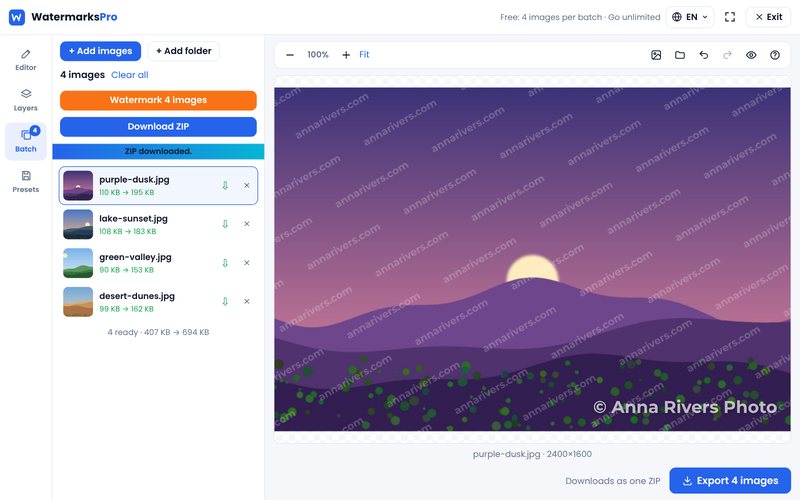
A typical listing has 25 to 50 photos. With our bulk watermark tool:
- Add all the photos from the shoot at once.
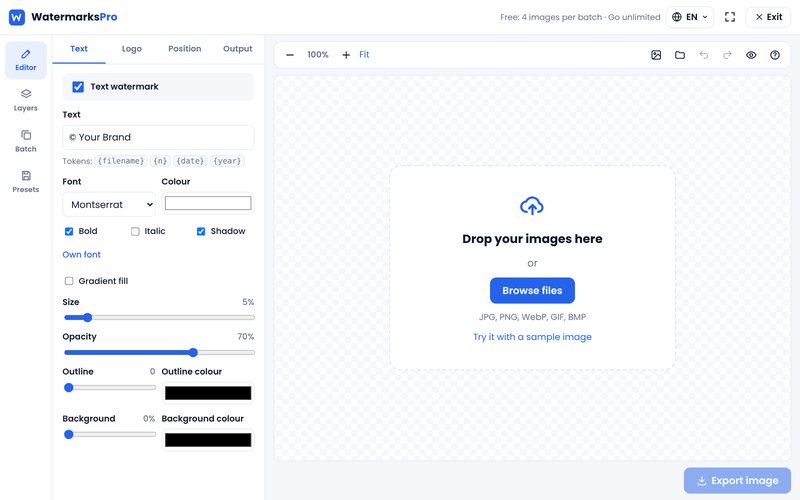
- Add your brokerage or studio logo as a layer, and an optional text line.
- Set size, opacity and position once.
- Watermark the batch and download it as one ZIP.
- Save it as a template for the next listing.
Because the tool works in your browser, client photos are never uploaded to our server, which is useful when you are handling images of people's homes.
Quick checklist
- Read your MLS photo rules before uploading.
- Keep one clean set and one watermarked set.
- Agree on usage rights with your photographer in writing.
- Use "not for rent" lines on social posts for homes for sale.
- Keep the watermark small, consistent and over the image, not in the corner.