How Wedding Photographers Use Watermarked Proofs to Sell More Prints
For many wedding and portrait photographers in the US, the session fee is only part of the income. Prints, albums, wall art and extra digital images can add a lot to every booking. But when clients receive unwatermarked proofs, a screenshot can replace a print order. Watermarked proofs help you protect that income without making clients feel restricted.
What is a proof?
A proof is a preview image that clients use to choose their favorites. It is not the final product. Proofs are usually lower resolution, sometimes not fully edited, and marked so they can't be used as finished images. Once the client orders, they receive the full-quality files or prints without the watermark.
Why watermark proofs
- Prevents screenshot "orders." A clear watermark makes a screenshot useless as a final print or profile photo.
- Brands the preview. When couples share sneak peeks with family, your studio name goes with every image.
- Sets expectations. Clients understand that the proof is a preview and the final images are worth paying for.
Proof watermark settings that work
Proofs need a stronger watermark than portfolio images, but they should still look beautiful. Try:
- A tiled pattern with your studio name at 30 to 40% opacity, or one larger mark across the center.
- The word "PROOF" as a second, smaller layer, so nobody is confused.
- Reduced size, for example 1200 to 1600 pixels on the long edge. That is perfect for screens but not good enough for large prints.
- A file name prefix like "proof-" so the files are easy to tell apart from finals.
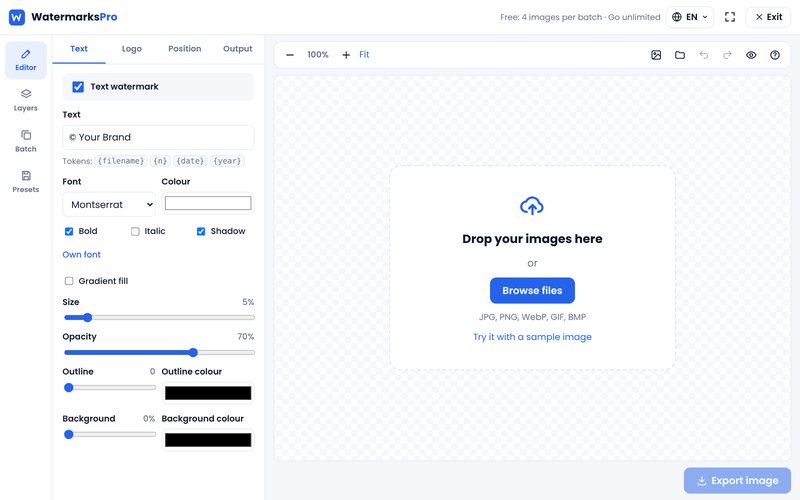
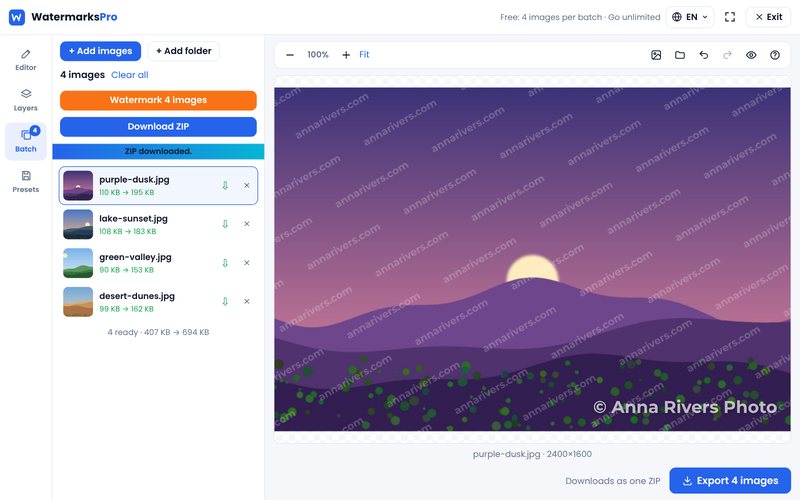
In Watermarks Pro you can set all of this once: a tiled text layer, a "PROOF" layer, a maximum width and a file name prefix, then save it as your proof template.
Sneak peeks for social media
Sneak peeks are different from proofs. They are your marketing. Couples will share them on Instagram and Facebook, and that brings referrals. For sneak peeks, use a small, elegant watermark with your studio name or handle in a corner or lower third, at about 25 to 35% opacity. You want people to notice who took the photo, not to have the image spoiled.
Talk about it in your contract
Most disputes come from unclear expectations. Spell out in your contract and welcome guide:
- How many final images are included in the package.
- That proofs are watermarked previews and may not be printed or shared as finals.
- When clients will receive final, unwatermarked files.
- Whether clients have a personal use license to print and share the final images.
Remember that in the US you keep the copyright to your images unless you transfer it in writing. Clients usually receive a license for personal use.
A fast proofing workflow
- Cull and do a quick color correction on the full set.
- Open the bulk watermark tool and load your proof template.
- Add the whole gallery (hundreds of images is fine on a computer; Pro removes the free batch limit).
- Watermark and download as one ZIP, then upload to your gallery service.
- After the client orders, deliver the final edits without a watermark.
Everything runs in your browser, so your clients' private wedding photos are never uploaded to our server.